I made 4 website images on Higgsfield's free plan. Here are the prompts, the cost and the results.
My German DIY site needed photos of a garden shed, a camper-van bed and a workbench. Stock photos looked generic, and I didn't have a shed to photograph. So I used Higgsfield's free plan. Here's exactly what I did.
The short version
| Plan | Higgsfield free plan |
|---|---|
| Model | z_image (the image model my free account could use) |
| Images used | 4 (5 generated: one prompt ran twice) |
| Output | 16:9 PNG, 2048 × 1152 px |
| Credit cost | Roughly 0.15 credits per image in my account (my free balance barely moved) |
| Time | About 20–30 seconds per image |
| Where they're used | A live German DIY affiliate site, labelled as AI-generated |
Why I didn't just use stock photos
The site promotes building plans for garden sheds and pull-out beds for small vans. Free stock libraries had plenty of sheds, but almost none matched the style I wanted: a simple DIY build in a German back garden, with no brand logos or licence plates. I needed four specific scenes, all in the same warm, natural look.
Step by step: what I actually did
- Signed up for the free plan. I didn't need a card. The free account came with a credit balance, and
z_imagewas the model available to me. - Wrote one long, specific prompt per scene. Each prompt set out the scene, the light, the lens and the "no text, no logos" rules. That level of detail gave me usable images on the first try for three of the four scenes.
- Generated one image at a time. When I sent several requests at once, I hit a rate limit (an HTTP 429 "too many requests" error). One at a time worked every time.
- Picked the best result and re-ran once. I generated the shed prompt twice and kept the better one.
- Resized for the web. I converted each 2048 px PNG to a 1600 × 900 WebP. Each file ended up at 100–210 KB, small enough for fast mobile loading.
- Labelled every image. Each caption on the site says it's an AI-generated illustration ("Symbolbild (KI-generiert)" in German).
The exact prompts
Copy these and swap the subject. Here's the structure that worked: subject, details, setting, light, then the camera and the "no text, no logos" rules.
Garden shed
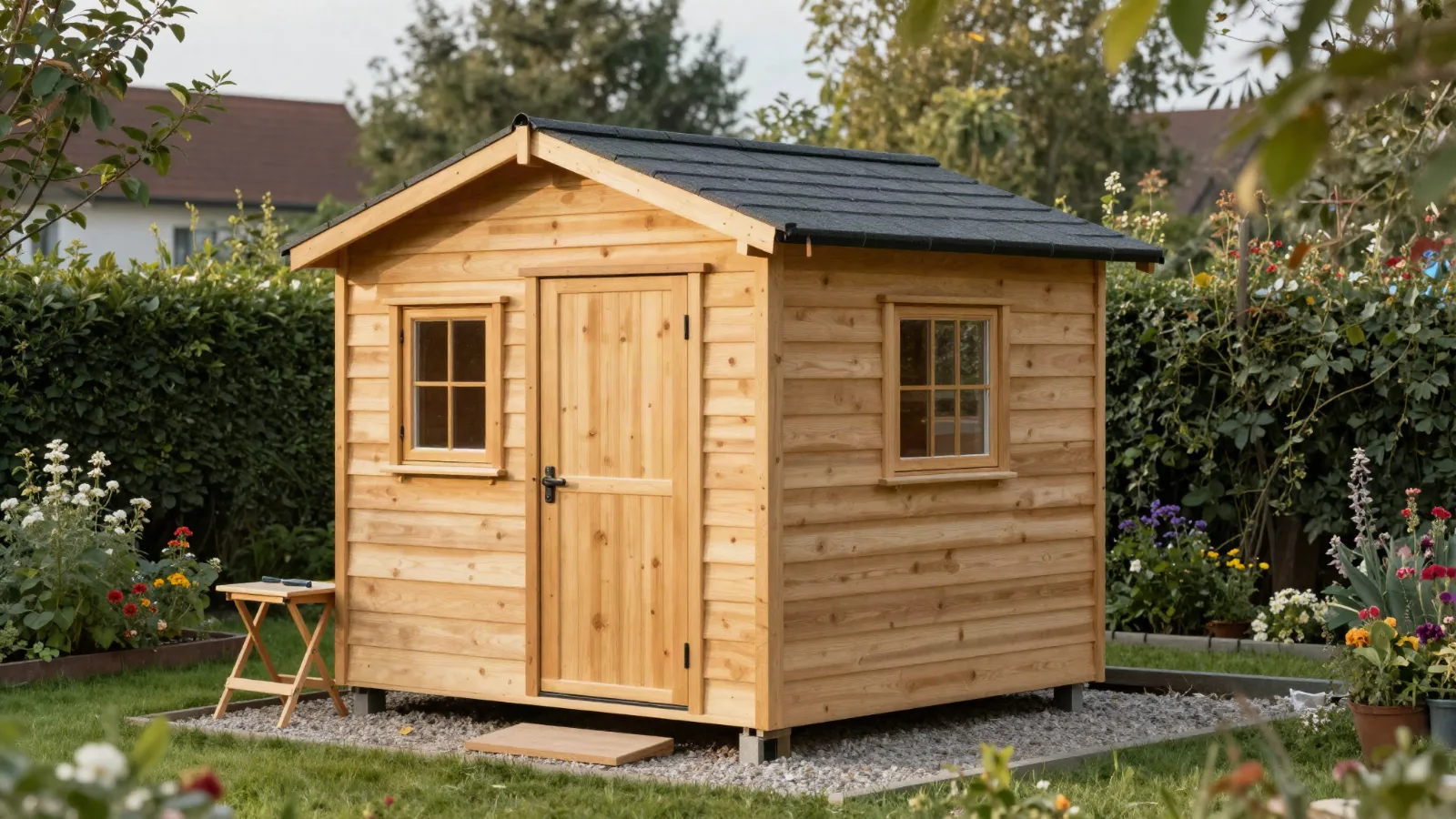
Photorealistic lifestyle photo of a freshly built small wooden garden shed (Gartenhaus) with a gable roof, natural spruce board cladding, dark grey roof shingles, a wooden door and one window, standing on a gravel base at the edge of a tidy German back garden with lawn, hedge and flower bed. Soft late-afternoon sunlight, warm natural tones, a few tools and a folding workbench nearby suggesting a DIY build just finished. No people, no text, no logos. Shot on a full-frame camera, 35mm lens, natural colors, realistic wood grain, slight depth of field.
Van with a pull-out bed
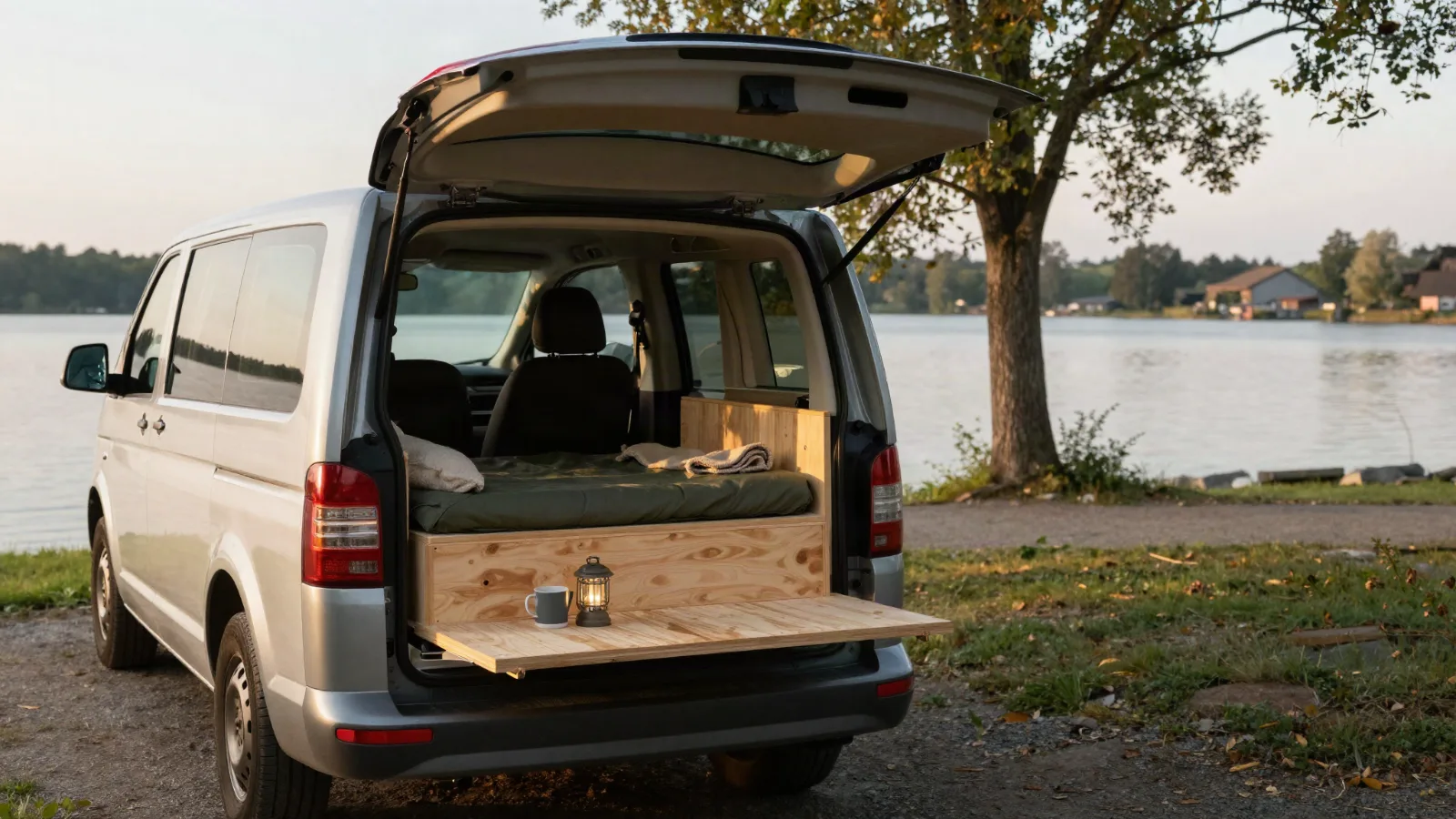
Photorealistic travel lifestyle photo of a compact high-roof van (generic small MPV, no brand badges) parked at a quiet lakeside campsite in the German countryside at golden hour. The rear tailgate is open, showing a simple homemade pull-out bed: a light plywood and pine frame with a folded dark green mattress, a pillow, a wool blanket, a lantern and a mug. Trees, calm lake and soft evening light in the background. No people, no text, no logos, no license plate. 35mm lens, natural colors, realistic wood texture, shallow depth of field.
What worked well
- Wood looks like wood. Grain, plywood edges and shingles all came out convincing at 1600 px.
- Negative instructions mostly stuck. Phrases like "No brand badges, no licence plate, no logos" kept the images free of trademarks I'd otherwise have to edit out.
- Consistent look. Ending every prompt with the same "35mm lens, natural colors" line made the four images look like one set.
What didn't, and the limits to know
- Rate limits on the free plan. You can't fire off a batch. Plan on one image at a time.
- Limited model choice. The free account gave me one image model. Paid plans unlock more.
- It isn't the real product. An AI image of a van bed shows what a bed could look like, not the vendor's design. I wouldn't pass these off as product photos, and neither should you.
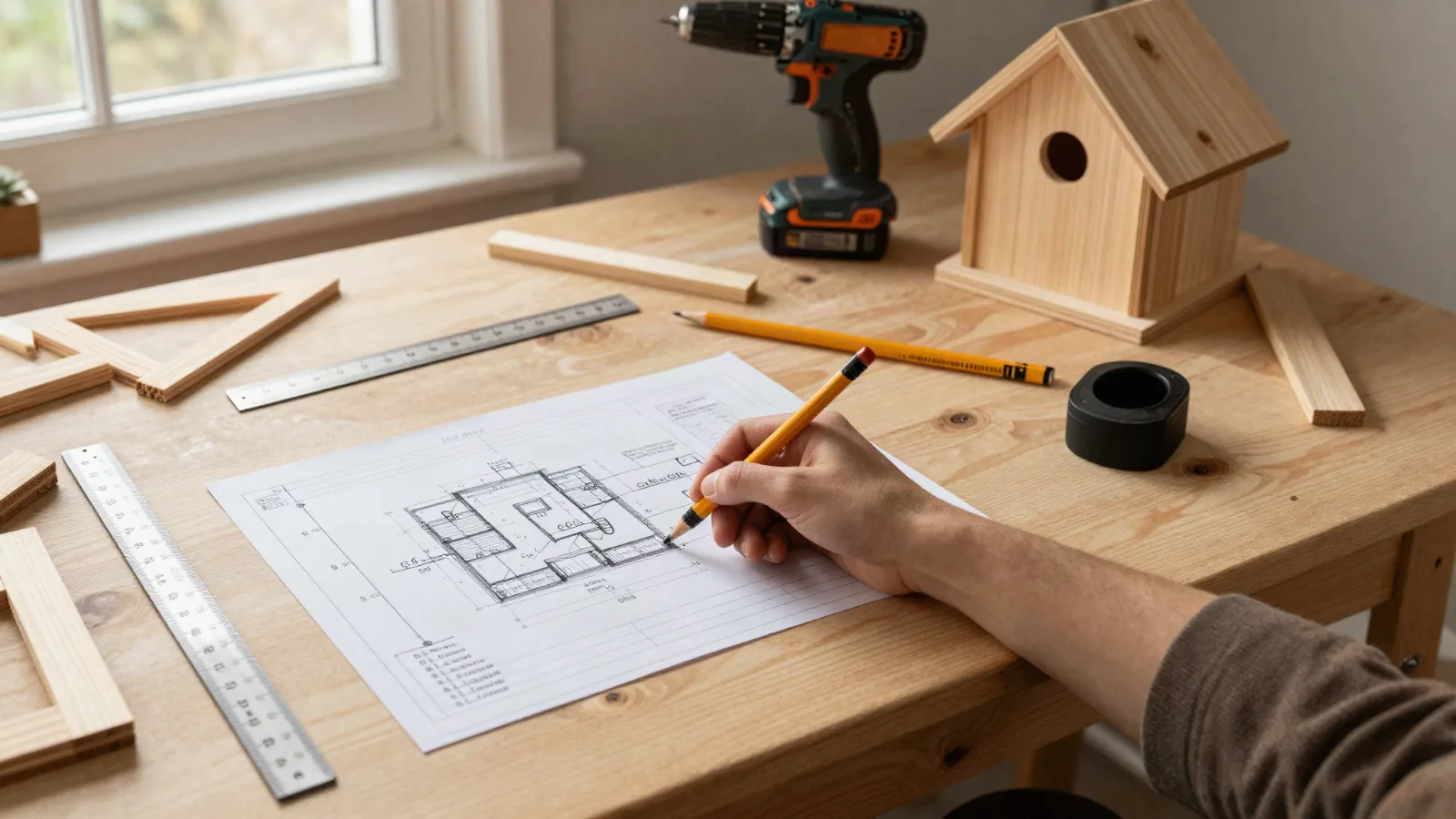
- "No people" isn't a guarantee. My workbench prompt said "no people", but the result still has a hand holding a pencil. It looked natural, so I kept it, but check hands, tools and any text-like shapes before you publish.
Label AI images. If an image could be mistaken for a real photo of a product, a customer or a result, say clearly that it's AI-generated. I put the label right in the caption. It's honest, and it keeps you on the right side of advertising rules in Canada, the US and the EU.
Would I use it again?
Yes, for illustrative scenes such as lifestyle shots, blog headers and Pinterest pins, where no real product photo exists or a stock photo would look generic. No, for anything that needs to show the actual product. For that, use the vendor's own images or your own photos.
If you want to try it, the free plan is enough to test your prompts before you think about paying.
Try Higgsfield's free plan
Start with one of the prompts above and change the subject.
Open Higgsfield ↗Affiliate link: I may earn a commission if you later upgrade, at no extra cost to you. Plans, credits and models change, so check what's included on their site.
FAQ
Is Higgsfield's free plan really free?
My account didn't need a card, and the four images above were made on the free plan. Credit amounts and included models change, so check their current plan page.
Can I use the images on a commercial website?
Read Higgsfield's current terms of service for usage rights before you publish commercially. I'm not a lawyer, and terms differ by plan.
Why did I get a "too many requests" error?
Free accounts are rate-limited. Wait for one image to finish before you start the next.
Do I have to say an image is AI-generated?
If someone could mistake it for a real photo of a product or a result, yes, label it. It's the honest choice, and advertising rules increasingly expect it.
Next: how I turned Higgsfield images and an AI voice into 7 TikTok videos, with the credit cost of each.